 Kakuchi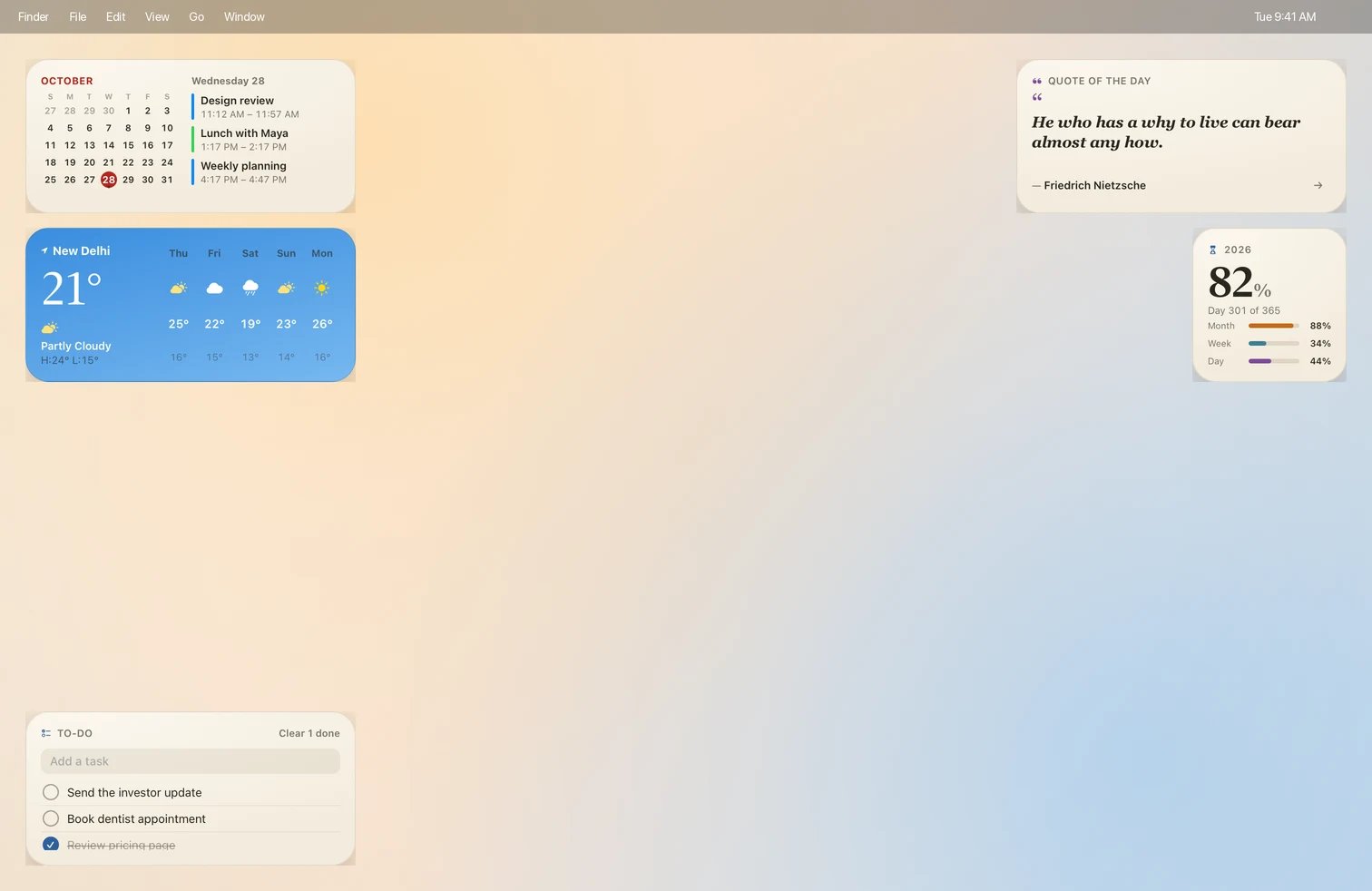
Kakuchi shows what’s inside before anything changes, and Put My Desktop Back in Settings › Setups returns your own desktop.
What’s in it
Every widget is one of Kakuchi’s built-in widgets, so nothing extra is installed. Widgets that read your calendar or reminders ask for permission the first time.
Use it
- 1Install Kakuchi and activate it with your licence key.
- 2Click Open in Kakuchi above, or in Kakuchi open Settings › Setups and choose it under Featured.
- 3Kakuchi shows what's inside. Click Install, and your desktop becomes this setup.
- 4To go back, choose Put My Desktop Back in Settings › Setups. Your widgets, theme and wallpaper return exactly as they were.