 Kakuchi
Widgets
50+ widgets for your Mac.
Clocks, weather, music, markets, system monitors, developer tools, habits and more, each with a settings form. Search for one below.
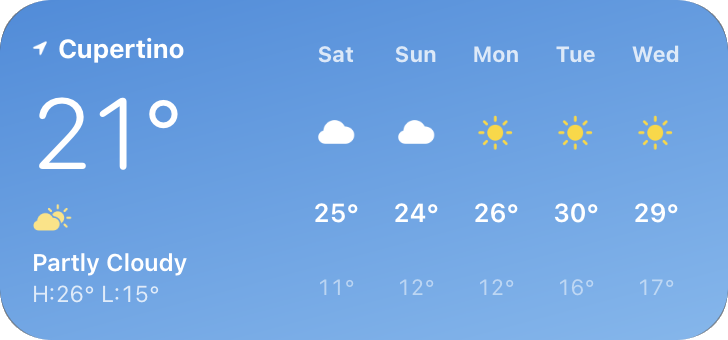
Current conditions and five days ahead, over a sky that matches.
50+ widgets. Ready on day one.
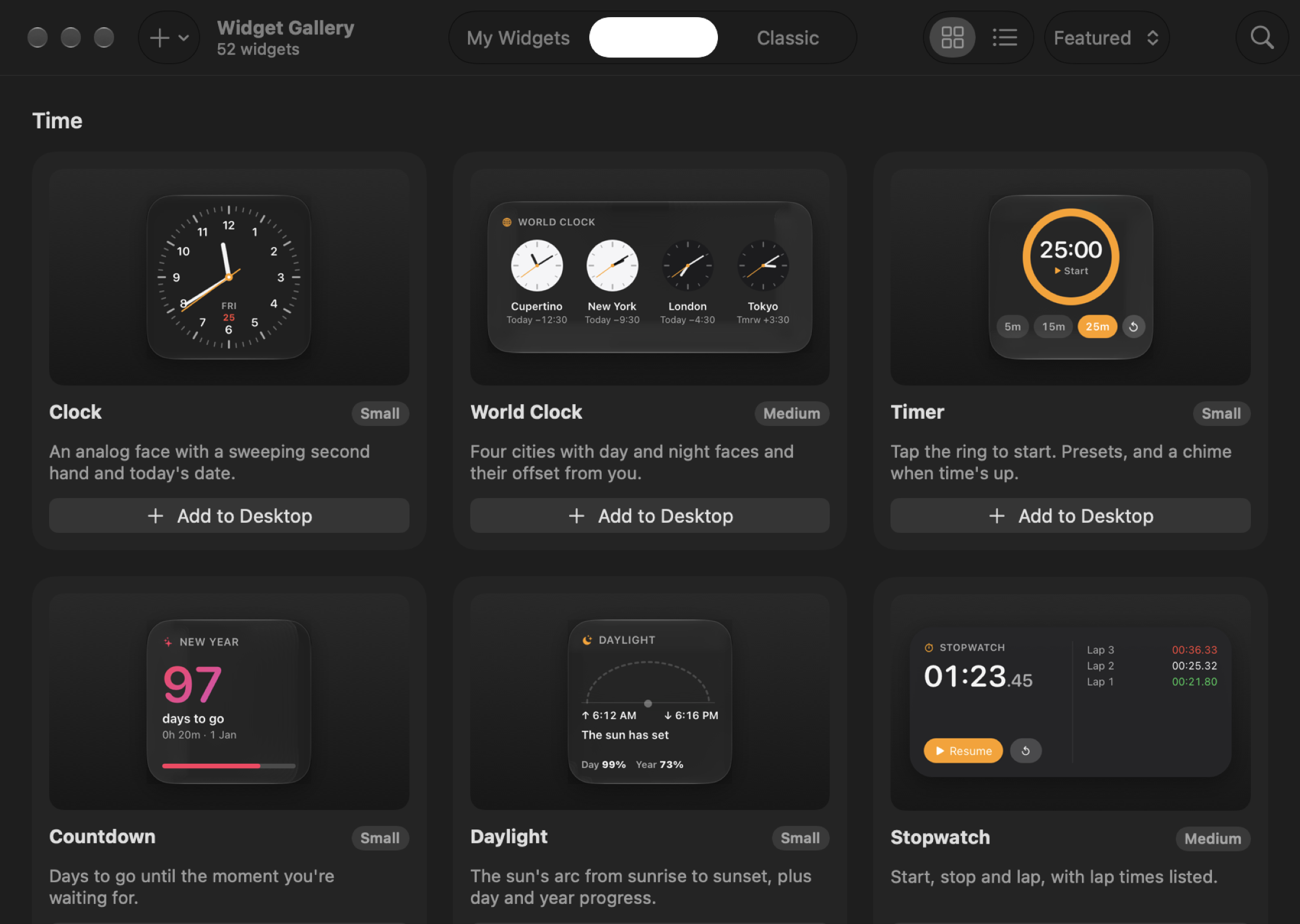
Browse them in the Widget Gallery, next to community widgets and your own creations. Preview one, then add it with a click.
Every widget
The full list
Time
 Clock
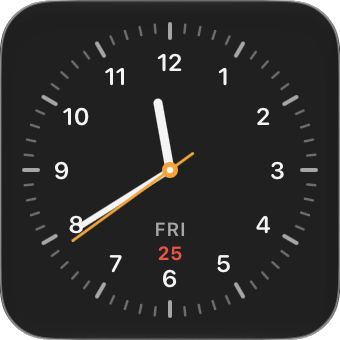
ClockAn analog face with a sweeping second hand and today's date.
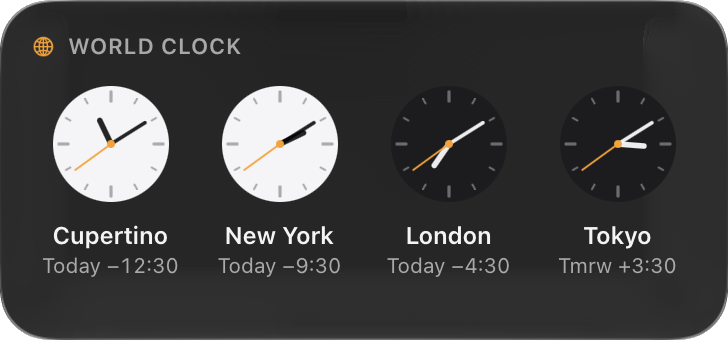 World Clock
Four cities with day and night faces and their offset from you.
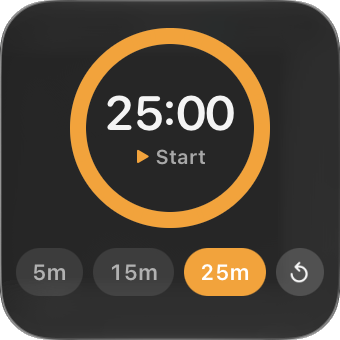 Timer
TimerTap the ring to start. Presets, and a chime when time's up.
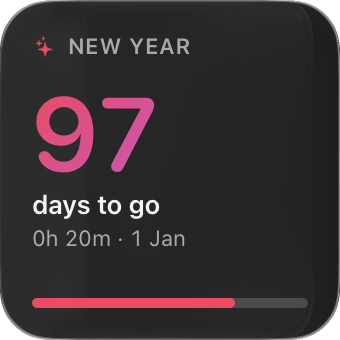 Countdown
Days to go until the moment you're waiting for.
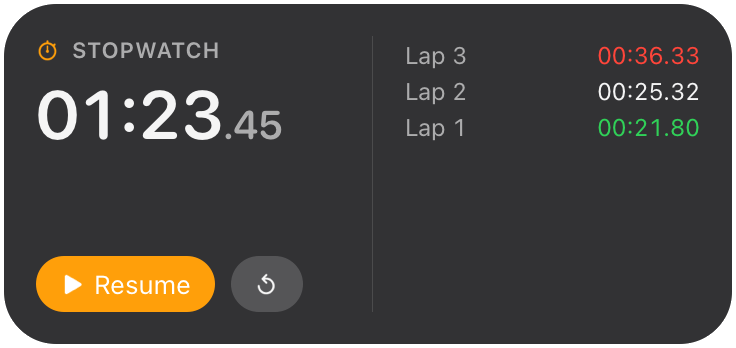 Stopwatch
Start, stop and lap, with lap times listed.
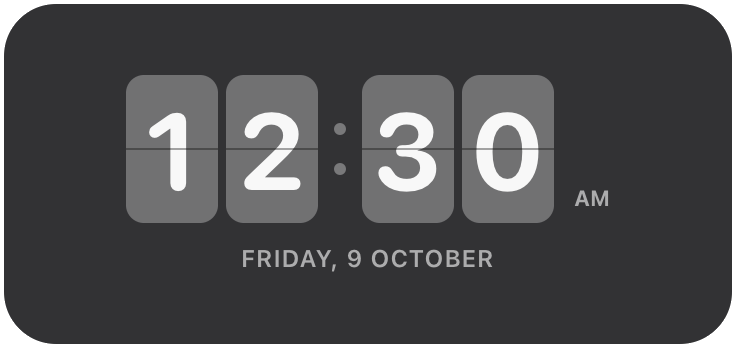 Flip Clock
Split-flap digits that flip over each minute.
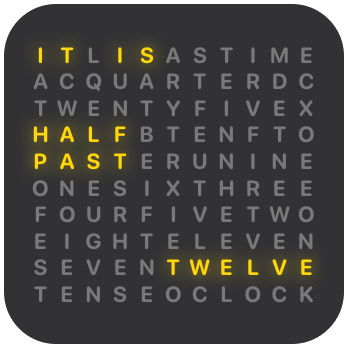 Word Clock
The time spelled out in lit letters, to the nearest five minutes.
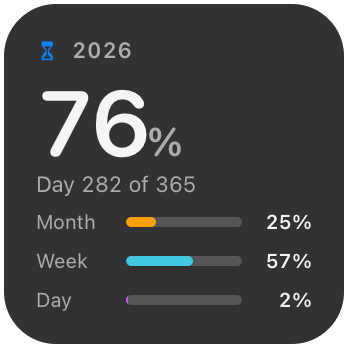 Year Progress
How much of this year, month, week and day has passed.
Weather
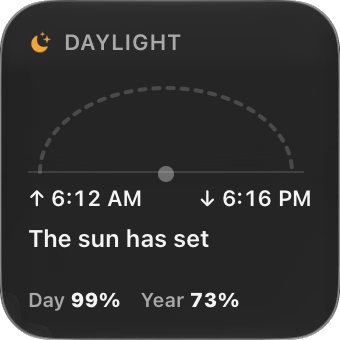 Daylight
The sun's arc from sunrise to sunset, plus day and year progress.
- Weather
Current conditions and five days ahead, over a sky that matches.
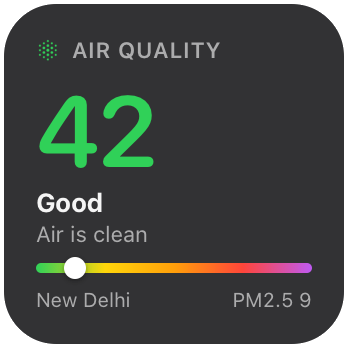 Air Quality
The US air quality index and fine-particle level for your city.
Calendar
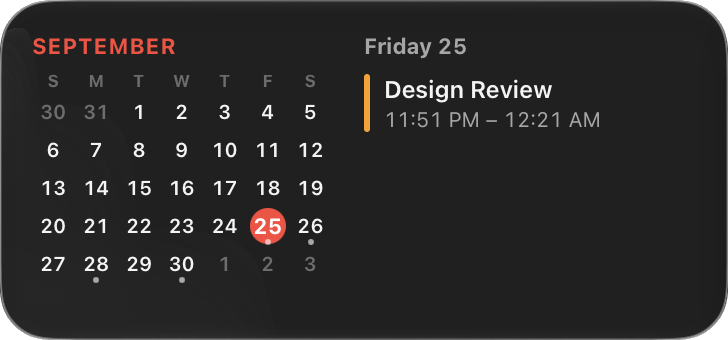 Calendar
This month at a glance and what's left today.
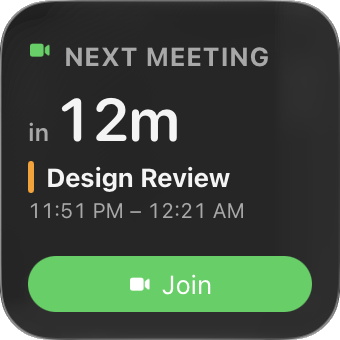 Next Meeting
Counts down to your next event, with a one-click Join button.
Productivity
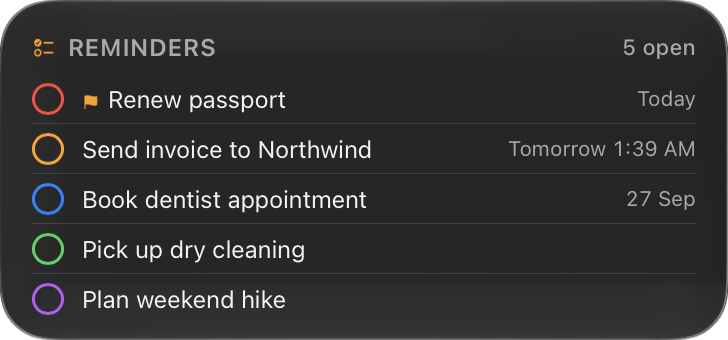 Reminders
Your open reminders. Tap the circle to check one off.
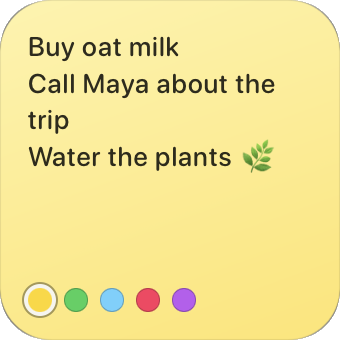 Sticky Note
Type straight onto your desktop, in five paper colors.
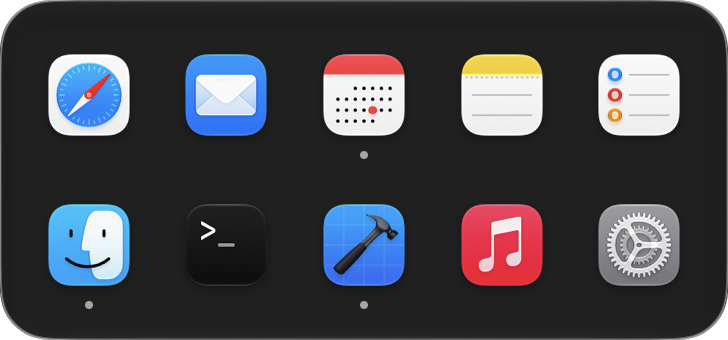 App Launcher
Your favorite apps on the desktop, with a dot under running ones.
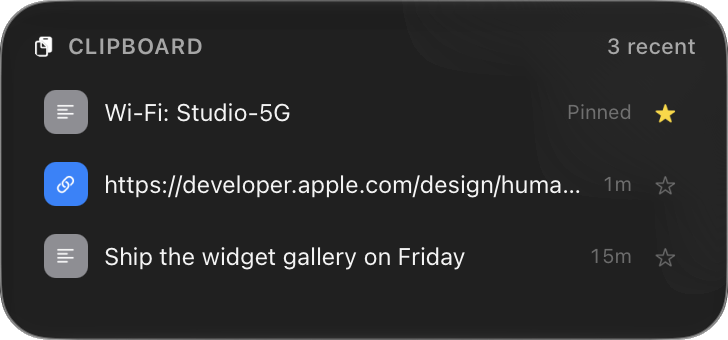 Clipboard
Your last copies. Click to copy again, star to pin.
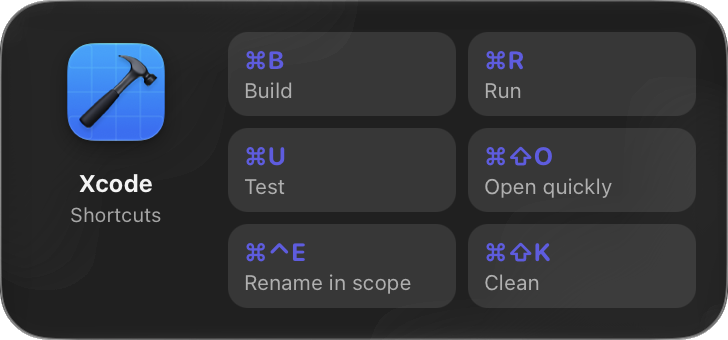 Context Card
Handy shortcuts for whichever app you're using right now.
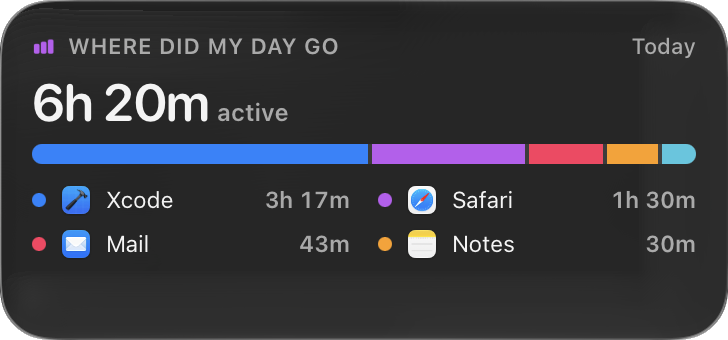 Where Did My Day Go
Time spent in each app today, recorded privately on your Mac.
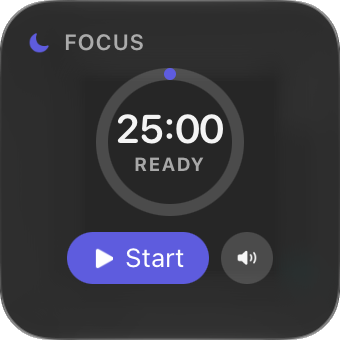 Focus Session
A focus timer with built-in white noise.
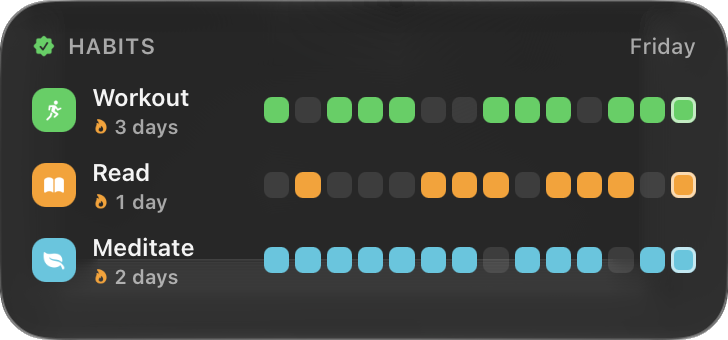 Habits
Tap a day to log it. Two weeks at a glance, with streaks.
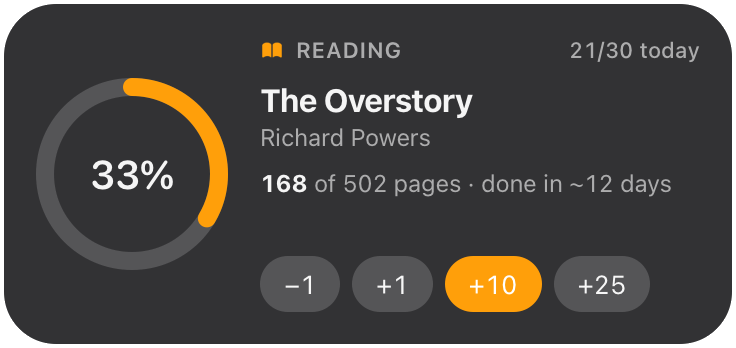 Reading Progress
The book you're reading: pages read, a progress ring and quick +1 / +10 buttons.
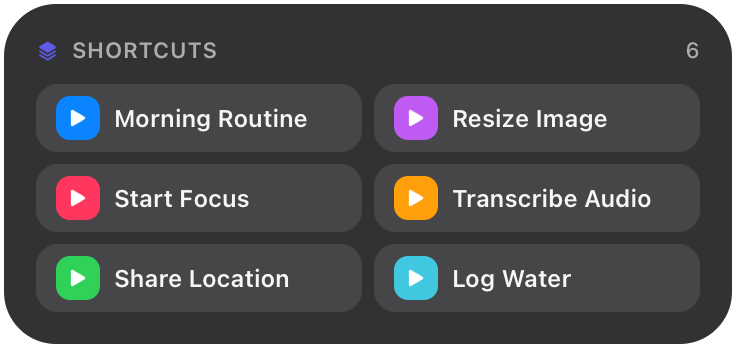 Shortcuts
One-click buttons that run your Apple Shortcuts.
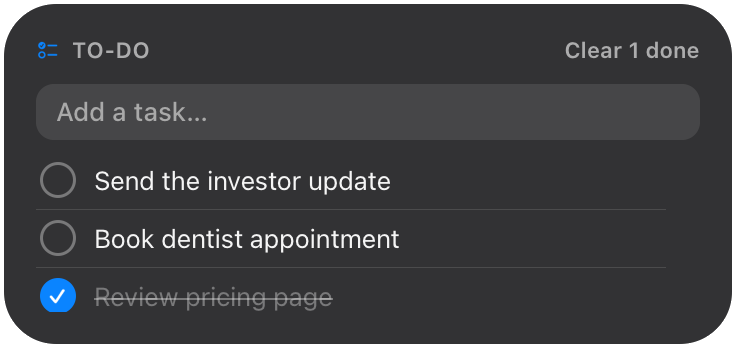 To-Do
To-DoA simple checklist. Add with Return, tick things off, clear what's done.
Fun
 Photo Frame
A slow, cinematic slideshow of photos from a folder.
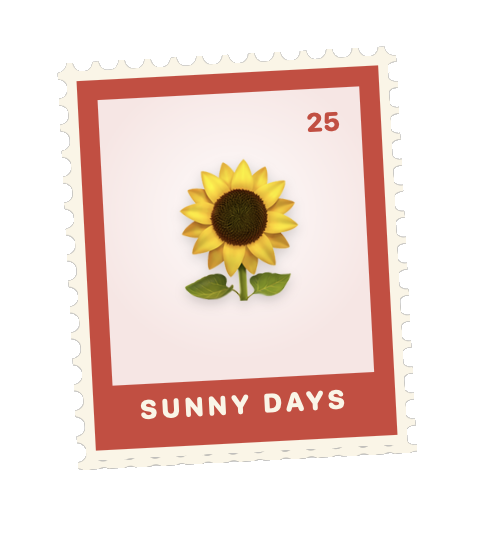 Stamp
StampAn emoji on a postage stamp, with a perforated edge and a bold border.
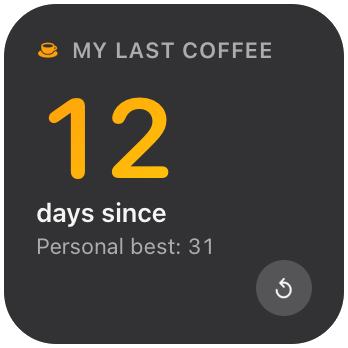 Days Since
Days since your last coffee, workout or slip-up. Reset it when it happens; it keeps your best run.
 Starfield
Stars drifting slowly past: a calm, living corner of the desktop.
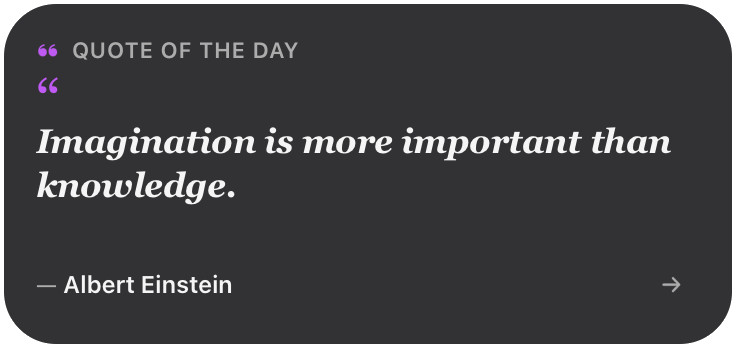 Quote of the Day
A short, well-known line for each day. Works offline; tap Next for another.
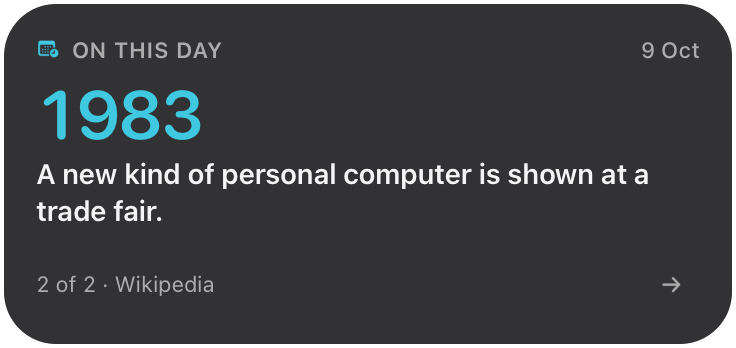 On This Day
What happened on today's date in history, from Wikipedia. Tap an event to read more.
Finance
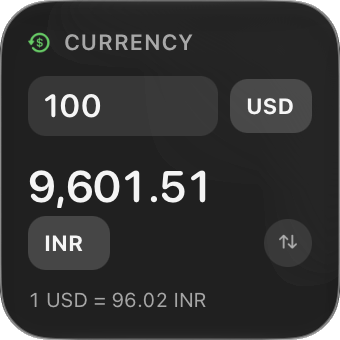 Currency
Convert as you type, with live exchange rates.
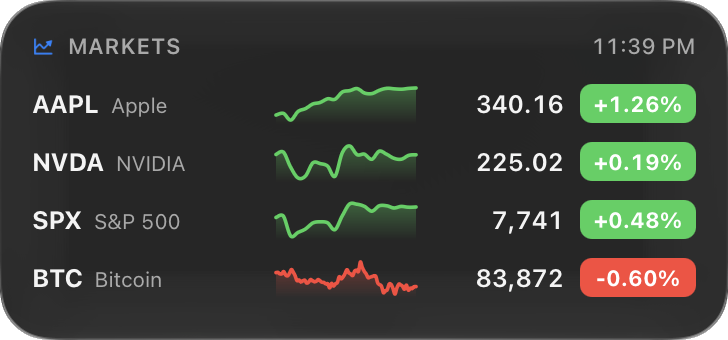 Markets
Stocks and crypto with today's price line.
Media
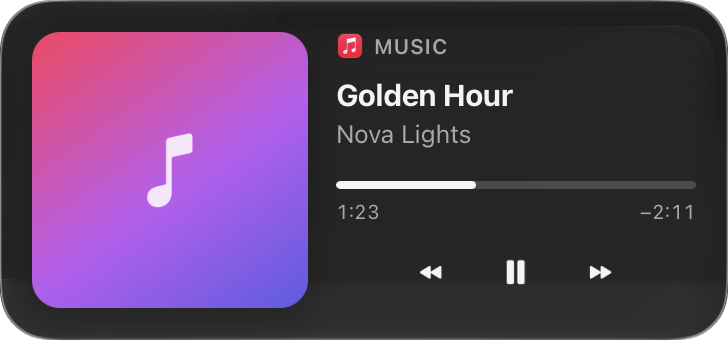 Now Playing
Artwork, progress and controls for Music and Spotify.
System
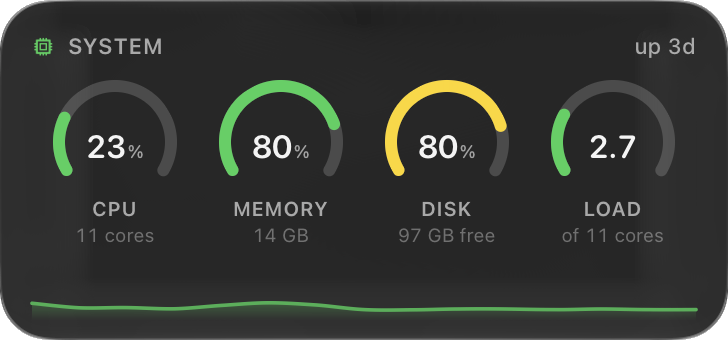 System
CPU, memory, disk and load gauges with a live history line.
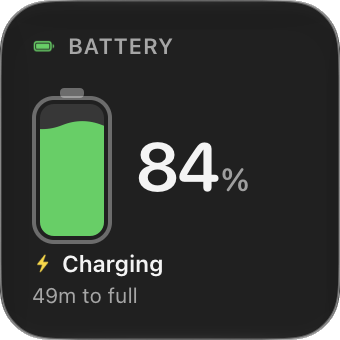 Battery
A liquid battery that ripples while charging, with time left and health.
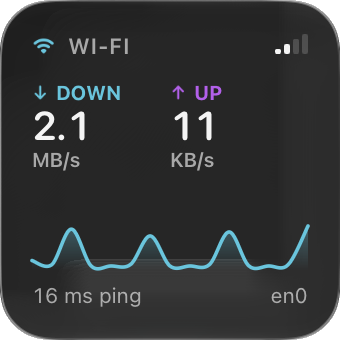 Network
Live download and upload speed, ping and Wi-Fi signal.
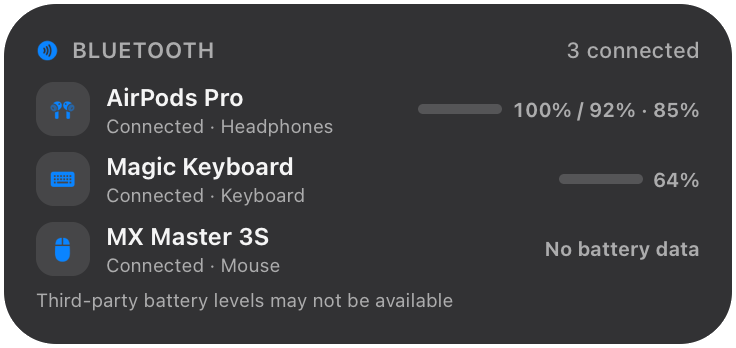 Bluetooth Devices
Connected Bluetooth devices and the battery levels macOS can see.
Developer
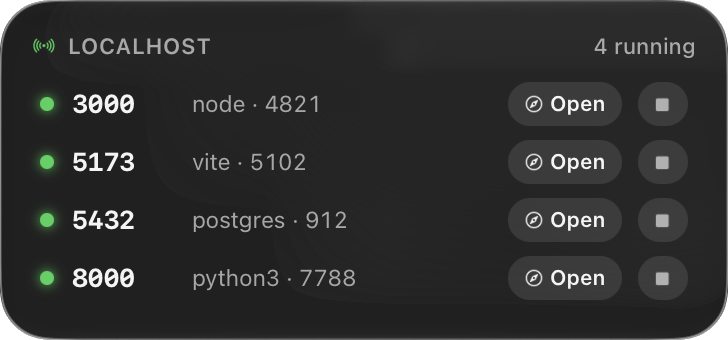 Localhost
Every dev server running on this Mac, with Open and Stop.
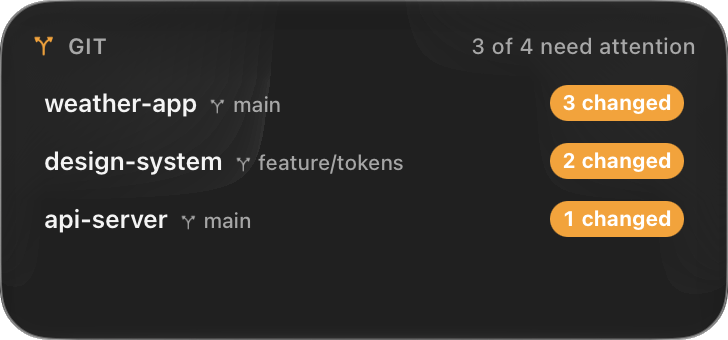 Git
GitWhich repos have uncommitted or unpushed work.
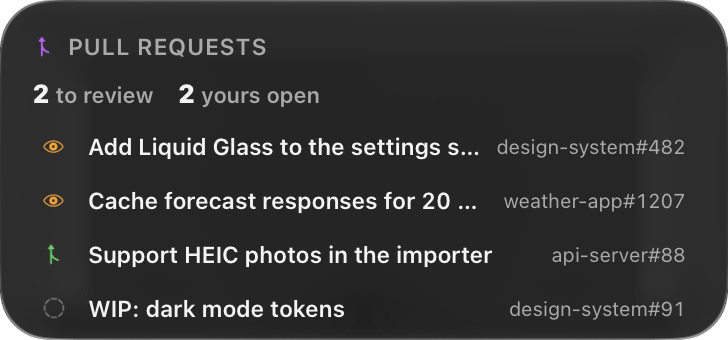 Pull Requests
Your open pull requests and review requests on GitHub.
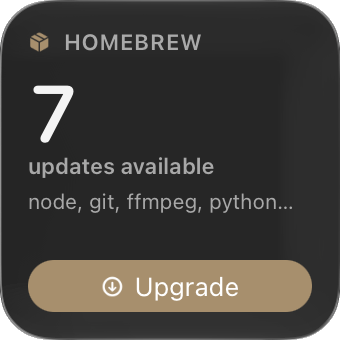 Homebrew
Outdated packages and a one-click upgrade.
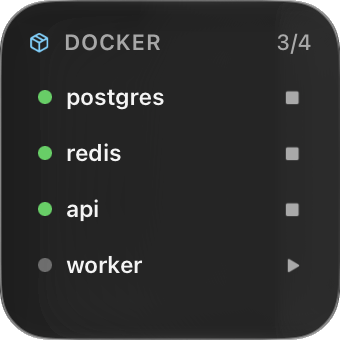 Docker
Your containers at a glance. Click one to start or stop it.
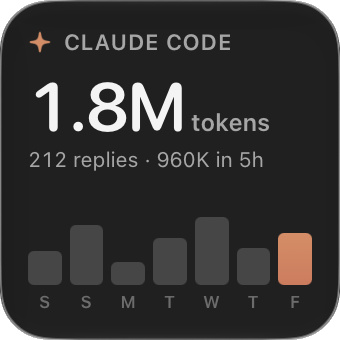 Claude Code
Tokens used today and over the week, read from local logs.
Health
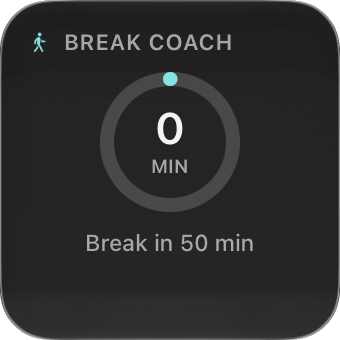 Break Coach
Notices long stretches of work and reminds you to move.
Utilities
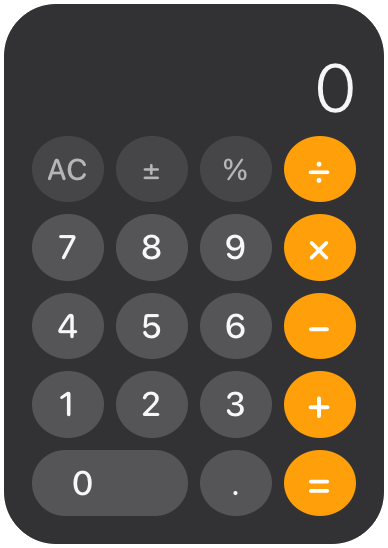 Calculator
A pocket calculator: add, subtract, multiply, divide and percent.
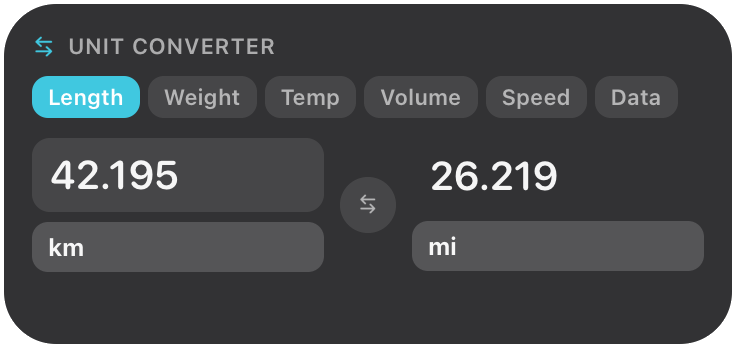 Unit Converter
Length, weight, temperature, volume, speed and data sizes, converted as you type.
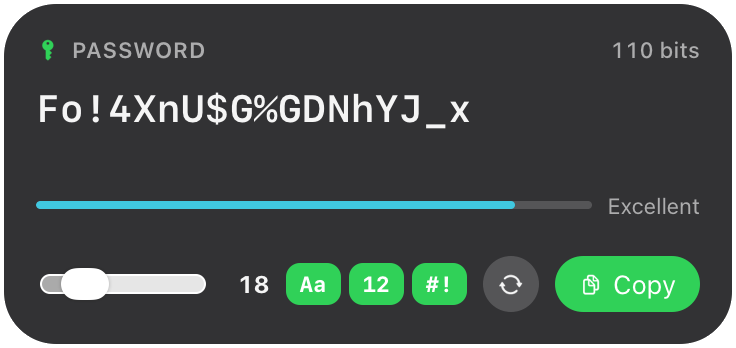 Password Generator
Strong random passwords, made on your Mac. Copy with one click; nothing is saved.
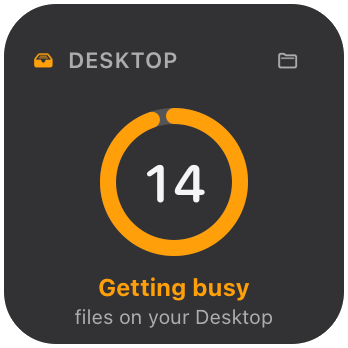 Desktop Tidiness
How many files are on your Desktop, and how tidy that is. One click opens the folder.
News
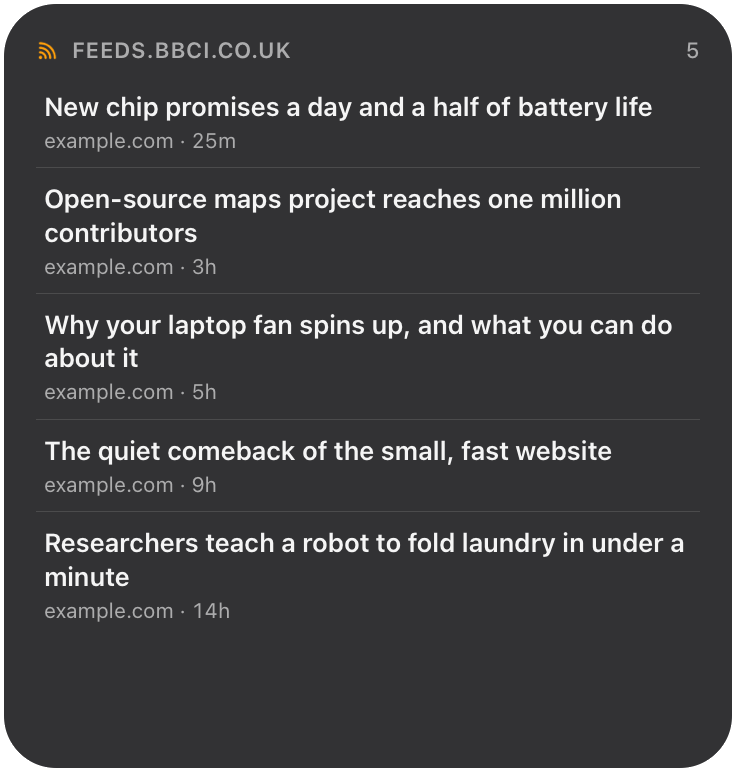 RSS Feed
Headlines from any RSS or Atom feed: a news site, a blog, a podcast, a changelog.
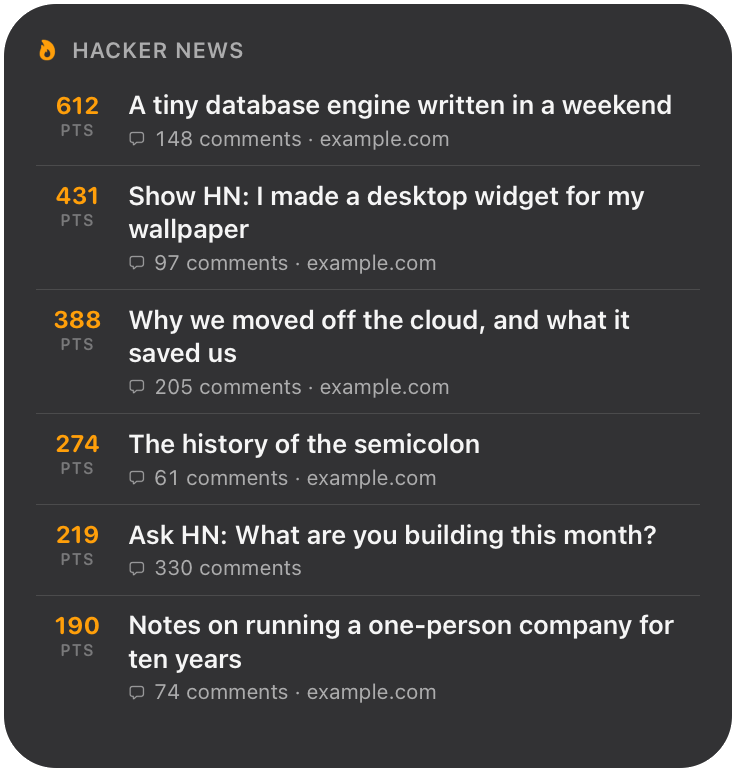 Hacker News
The Hacker News front page, with points and comments.
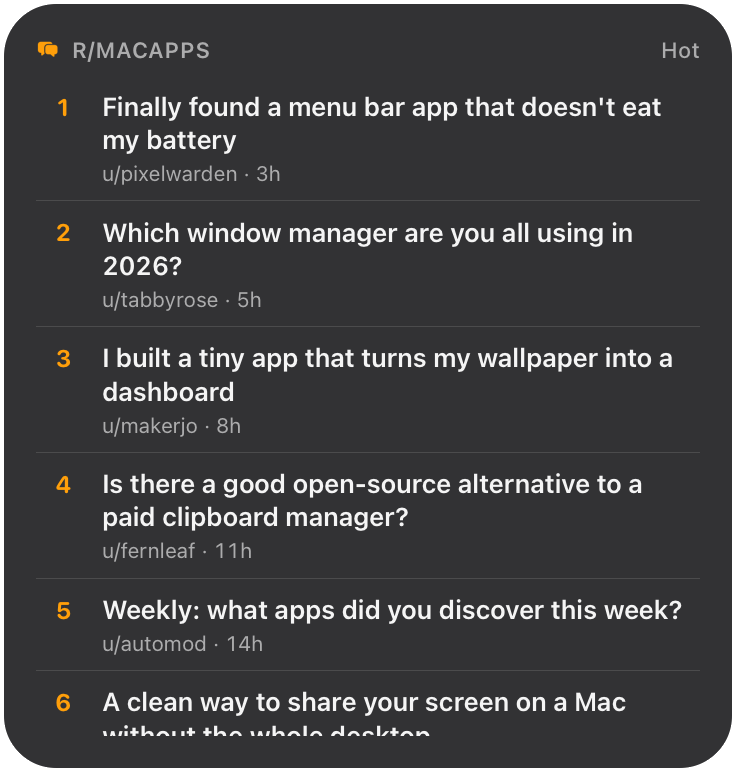 Reddit
Hot, new or top posts from any subreddit. Click a post to open it.