 Kakuchi
Places
Six places for a widget on your Mac.
A widget can sit on the desktop, open from the notch, live in the menu bar, show on the lock screen, float above full-screen apps or tuck into the edge of the screen.
01 · Desktop
Right on your wallpaper.
Live widgets beneath every window, around the work you're doing. Arrange tidies them in one click.
standup.tsxWIDGETSclock.tsxweather.tsxstandup.tsxstocks.tsxnotes.md1import { useWidget } from "kakuchi"23export function Standup() {4const next = useSystem("calendar")5const mins = minutesUntil(next?.start)67return (8<Card accent="coral">9<Big>{mins}</Big>10<Sub>{next?.title}</Sub>11</Card>12)13}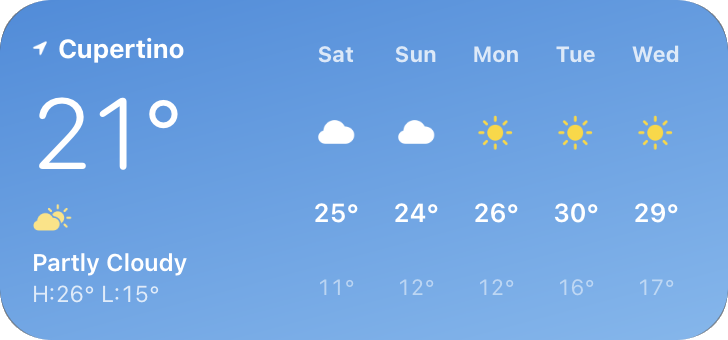
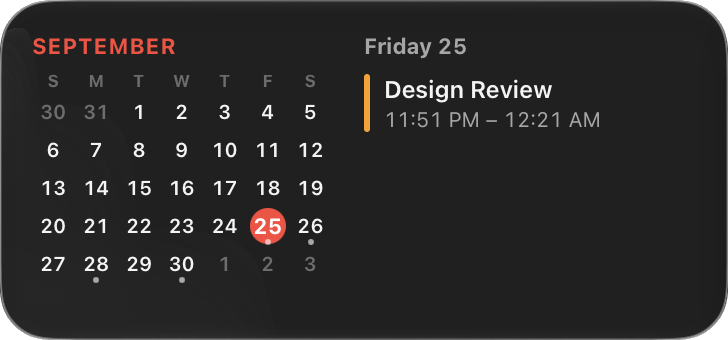
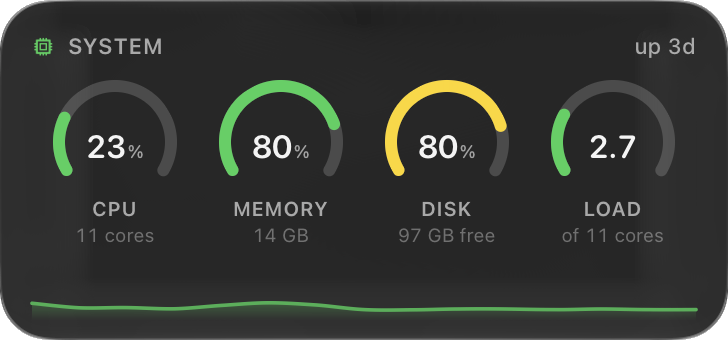
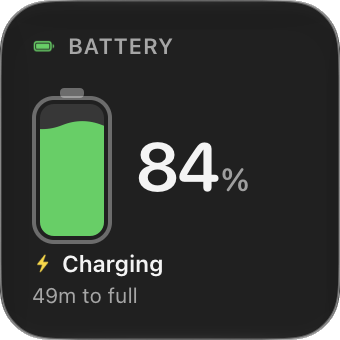
 FinderFileEditViewAAPL +1.26%CPU 23%Fri 25 Sep 9:41
02 · Notch
The notch earns its place.
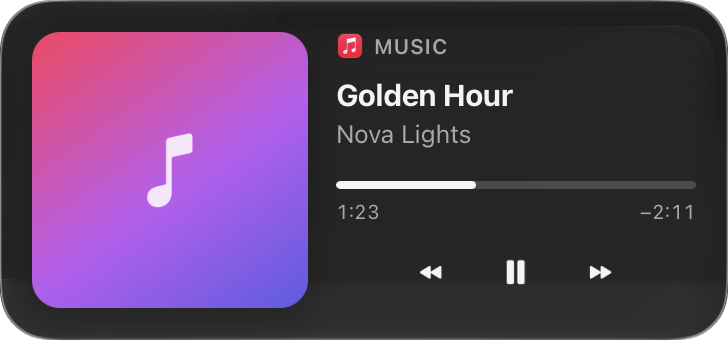
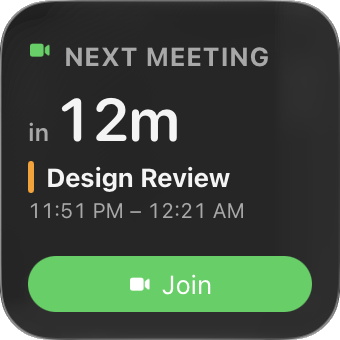
Point at it and a shelf slides down with your music, a focus timer and your next meeting.
standup.tsxWIDGETSclock.tsxweather.tsxstandup.tsxstocks.tsxnotes.md1import { useWidget } from "kakuchi"23export function Standup() {4const next = useSystem("calendar")5const mins = minutesUntil(next?.start)67return (8<Card accent="coral">9<Big>{mins}</Big>10<Sub>{next?.title}</Sub>11</Card>12)13}FinderFileEditViewAAPL +1.26%CPU 23%Fri 25 Sep 9:41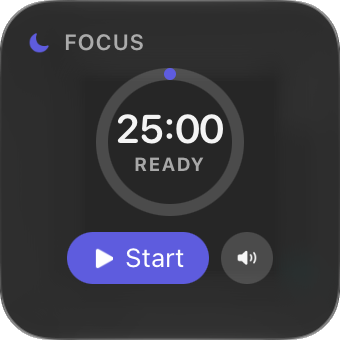
03 · Menu bar
One number up top.
Keep the value you check most in the menu bar. Click it for the full widget.
standup.tsxWIDGETSclock.tsxweather.tsxstandup.tsxstocks.tsxnotes.md1import { useWidget } from "kakuchi"23export function Standup() {4const next = useSystem("calendar")5const mins = minutesUntil(next?.start)67return (8<Card accent="coral">9<Big>{mins}</Big>10<Sub>{next?.title}</Sub>11</Card>12)13}FinderFileEditViewAAPL +1.26%CPU 23%Fri 25 Sep 9:41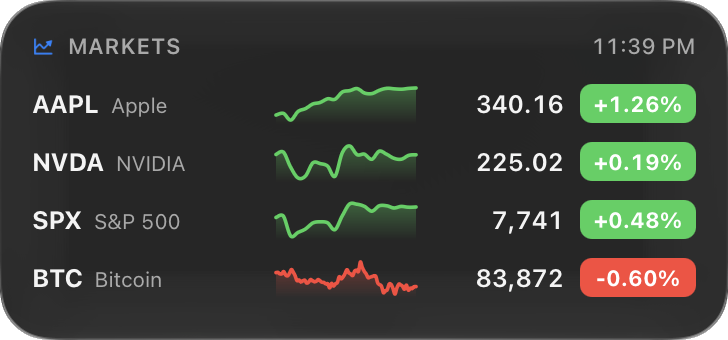
04 · Lock screen
Before you even sign in.
Your day on the lock screen. Widget buttons still work.
standup.tsxWIDGETSclock.tsxweather.tsxstandup.tsxstocks.tsxnotes.md1import { useWidget } from "kakuchi"23export function Standup() {4const next = useSystem("calendar")5const mins = minutesUntil(next?.start)67return (8<Card accent="coral">9<Big>{mins}</Big>10<Sub>{next?.title}</Sub>11</Card>12)13}Friday 25 September9:41Enter Password05 · Keep on top
Above full-screen apps.
Pin a widget over a call or a game. Use it right there, or let clicks through so it fades when your pointer comes close.
standup.tsxWIDGETSclock.tsxweather.tsxstandup.tsxstocks.tsxnotes.md1import { useWidget } from "kakuchi"23export function Standup() {4const next = useSystem("calendar")5const mins = minutesUntil(next?.start)67return (8<Card accent="coral">9<Big>{mins}</Big>10<Sub>{next?.title}</Sub>11</Card>12)13}PriyaMarcoSamYou06 · Edge docking
Tuck it into the edge.
Flick a widget to the left or right side. A tab brings it back.
standup.tsxWIDGETSclock.tsxweather.tsxstandup.tsxstocks.tsxnotes.md1import { useWidget } from "kakuchi"23export function Standup() {4const next = useSystem("calendar")5const mins = minutesUntil(next?.start)67return (8<Card accent="coral">9<Big>{mins}</Big>10<Sub>{next?.title}</Sub>11</Card>12)13}FinderFileEditViewAAPL +1.26%CPU 23%Fri 25 Sep 9:41