 Kakuchi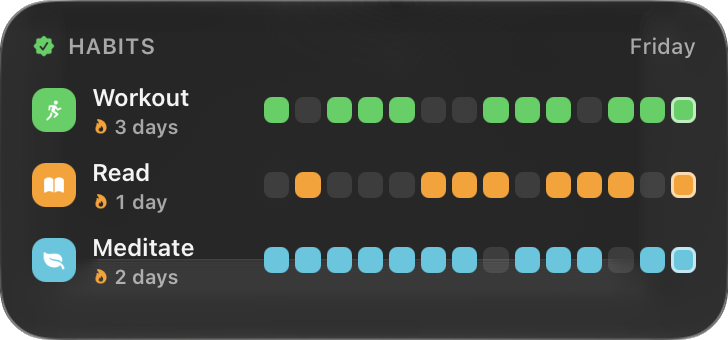
Put it where you want it
Habits is one of Kakuchi’s 50+ built-in widgets. Like all of them, it can sit on your desktop, open from the notch, live in the menu bar, show on the lock screen, or float on top of full-screen apps. Resize it from its corner, and right-click › Widget Settings to change what it shows.
Add it
- 1Install Kakuchi and activate it with your licence key.
- 2Click Kakuchi's menu bar icon and choose Widget Gallery.
- 3Search for Habits and click Add to Desktop.
- 4Right-click it for Keep on Top, Add to Menu Bar, Show in Notch or Show on Lock Screen.
Want it different?
Right-click the widget and choose Change with AI, then say what to change. Or describe a widget that doesn’t exist yet and Kakuchi builds it with the AI you choose.
More productivity widgets
- Reminders
Your open reminders. Tap the circle to check one off.
- Sticky Note
Type straight onto your desktop, in five paper colors.
- App Launcher
Your favorite apps on the desktop, with a dot under running ones.
- Clipboard
Your last copies. Click to copy again, star to pin.
- Context Card
Handy shortcuts for whichever app you're using right now.
- Where Did My Day Go
Time spent in each app today, recorded privately on your Mac.